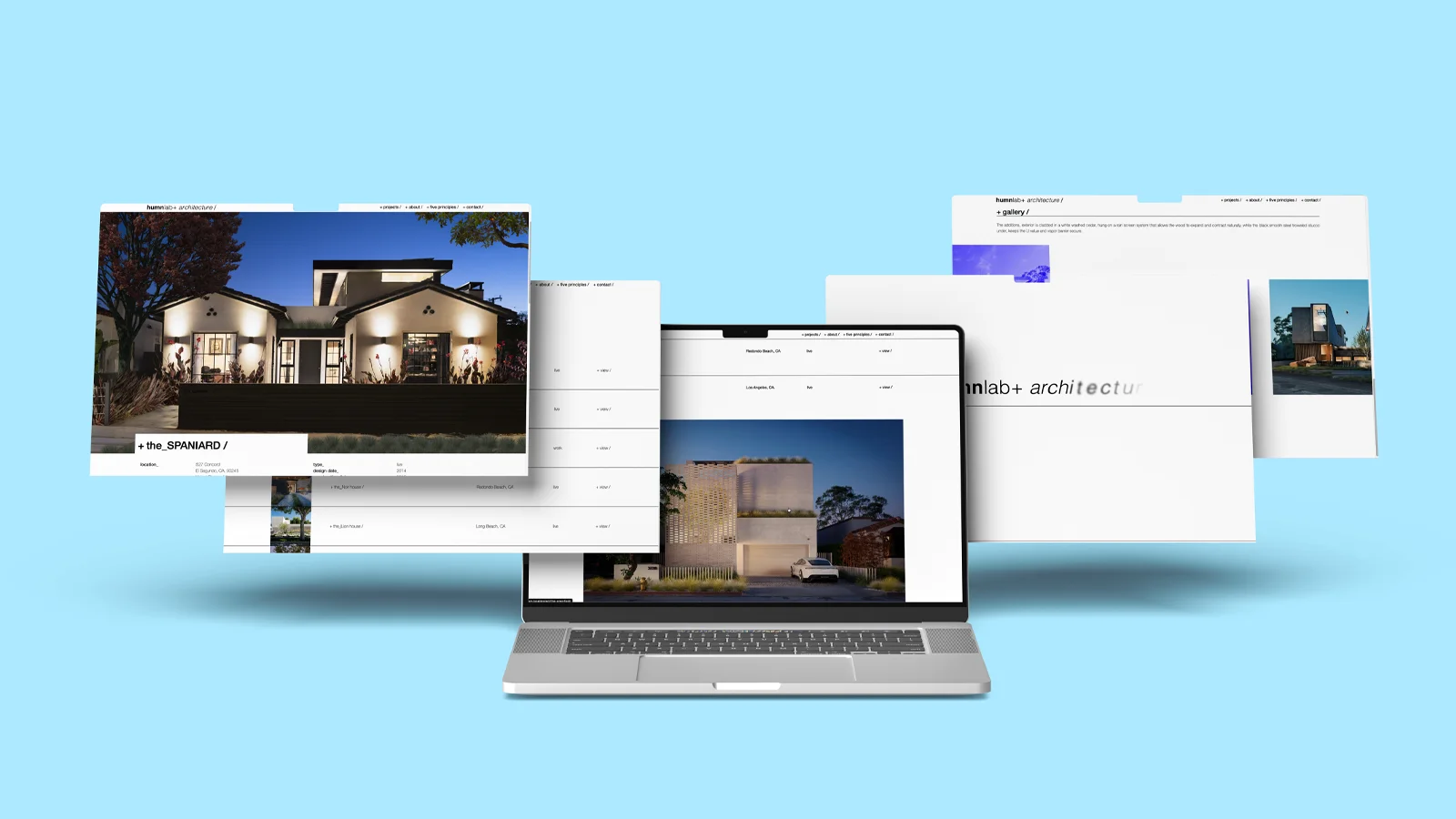
Smooth Barba.js page transitions, scroll stacking layouts and motion-driven Lottie animations combine to create a website that reflects its owner’s values.
Intro:
Bryan Winters is an award-winning architect building homes in Southern California. He leans into the modernist values of architectures and we were able to extrapolate a lot of features out of that. We ended up with features like stacked divs, animated transitions, parallax, and random image serving.
home page is using a couple of things. First we’re using lottie.js to load the animation that I made in aftereffects of their wordmark. The stacking div is a event listener that changes the position from sticky to fixed when a div touches the nav bar, this gives the effect that we are stacking new portfolios on top of each other during scroll.
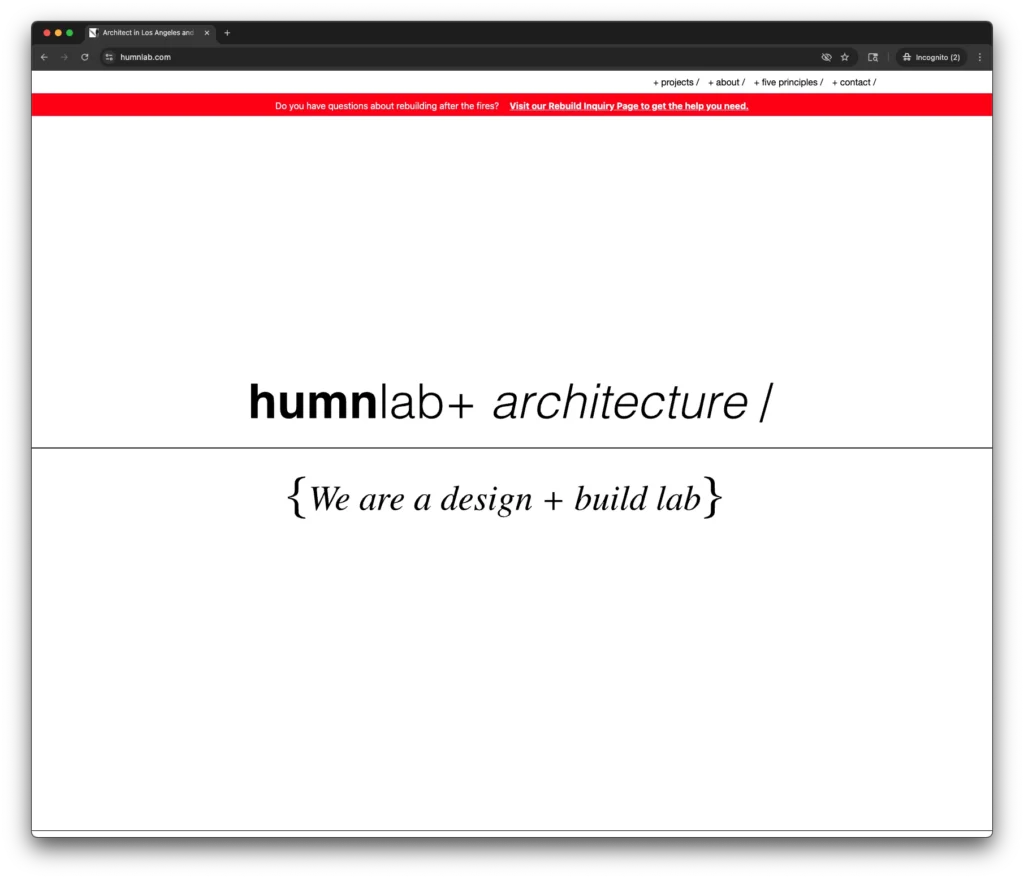
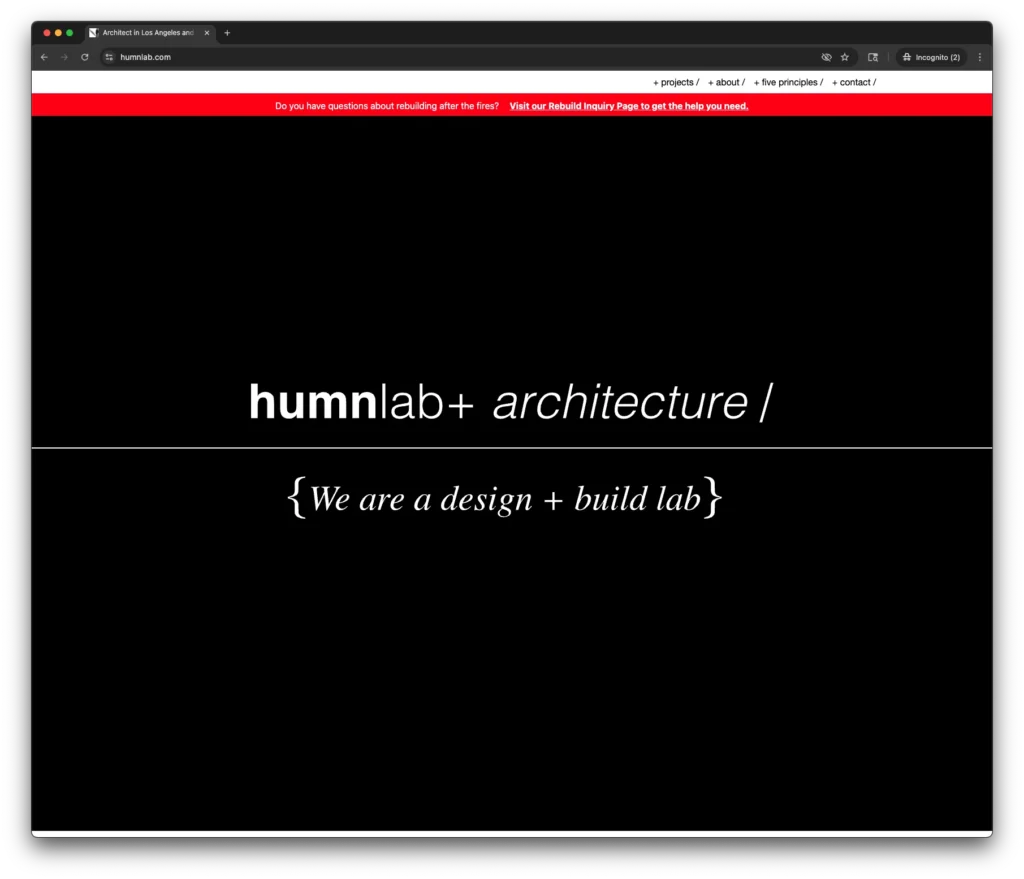
We also have a randomized variable that chooses between the dark version or light version of the page styling running before we get to serving the image.
Transitions on the home page are using Barba’s view feature and GSAP to enlarge the image that is clicked and then aligned to the top top bar of the project page.
Building a Custom Post Type for a Custom Building
So I built this custom post type for managing architecture/design projects using the CMB2 (Custom Metaboxes 2) framework. It’s a wonderful toolkit adding fields for text, image, video and more to the backend of WordPress. Additionally, there is a wonderful community adding to it.
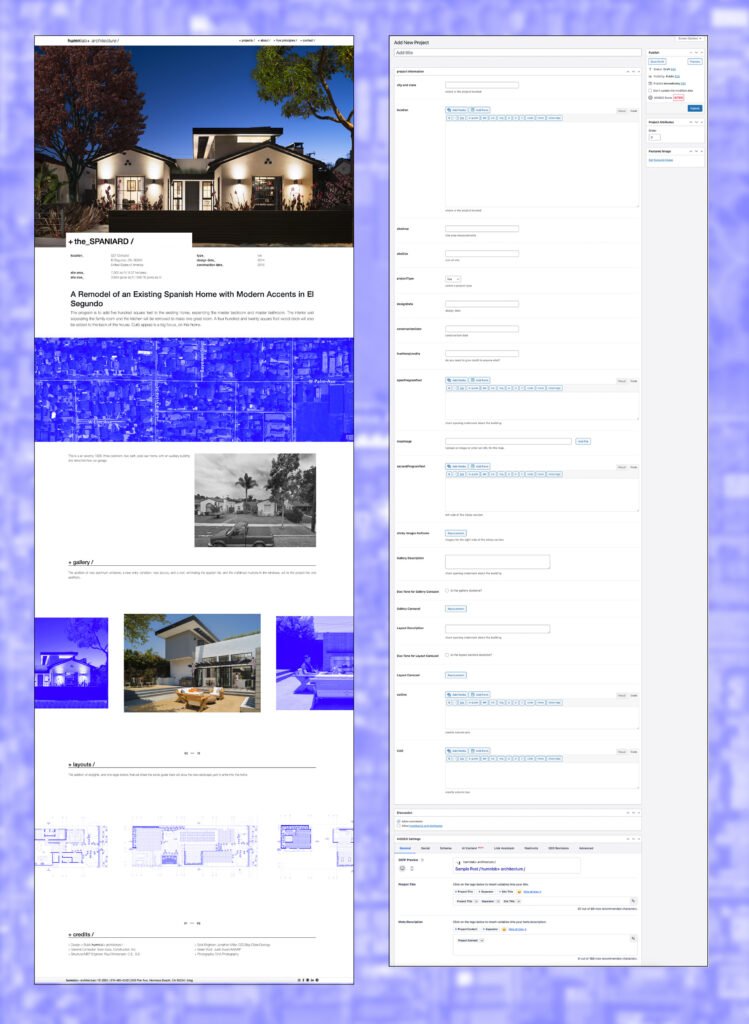
Core Project Information Fields:
Location & Specifications:
- City and State – Text field for project location
- Location – Rich text editor (WYSIWYG) for detailed location description
- Site Area – Text field for site area measurements
- Site Size – Text field for overall site dimensions
- Map Image – File upload field for location maps
Project Details:
- Project Type – Dropdown selector with three options: Live, Work, or Public
- Design Date – Text field for design completion date
- Construction Date – Text field for construction completion date
- Foot Note/Credits – Text field for attributing collaborators or additional credits
Content Management Sections:
Program/Description Areas:
- Open Program Text – WYSIWYG editor for the main project introduction
- Second Program Text – WYSIWYG editor for the left side of a sticky scroll section
Visual Content:
- Sticky Images Half Zone – Multi-file upload for images displayed on the right side of the sticky section
- Gallery Carousel – Multi-file upload for main project gallery with accompanying description textarea and duotone toggle checkbox
- Layout Carousel – Multi-file upload for layout/floor plan images with description textarea and duotone toggle checkbox
Credits Section:
- Column One & Column Two – Two separate WYSIWYG editors for organizing project credits in a two-column layout